#1 Welcome to the 5 Minute Planner
A quick introduction to the concepts of process and progress that informed the Planner. These concepts will help you get the most out of the Planner and your working day.
Getting Started with the Five Minute Planner
Before you decide which Planner might work best for you, here's a quick introduction to the way the Planner can help - it might help you choose.
Annual Templates to Try
Unlike the free versions, these templates have no locked sections AND are set up for the year. Just delete the dates in the top bar to stay up to date throughout 2020.
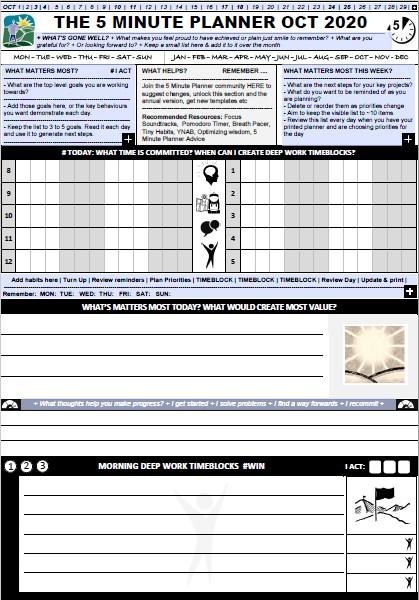
Original - List Task
A more traditional tasks section. Priorities go up top, then other tasks in the three lines below.
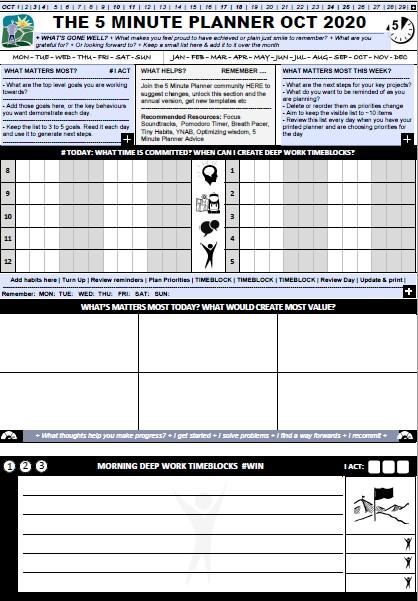
Original - Grid Style Tasks
A more visual approach to logging your priorities for the day. Perfect when you want to focus on a small number of important tasks.
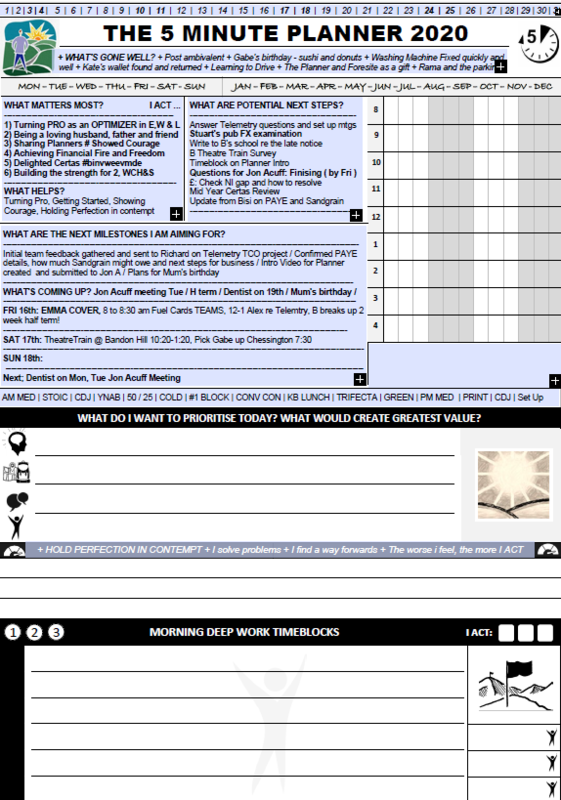
My current favourite ...
This is the Planner variant that i currently use. Lots of space to set up milestone and upcoming events or whatever you
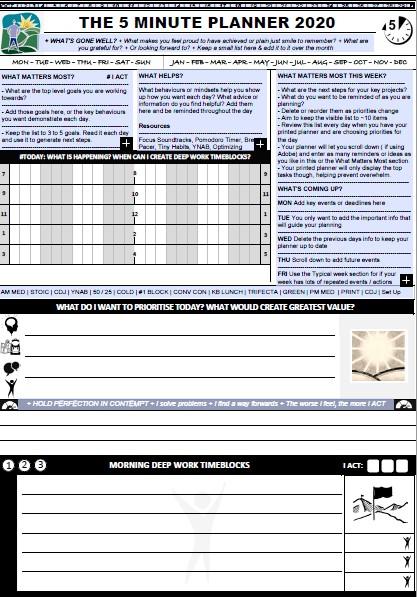
Longer Planning Section
Use this text to describe your feature in detail. Visitors enjoy reading well written, descriptive copy about specific features of your product.
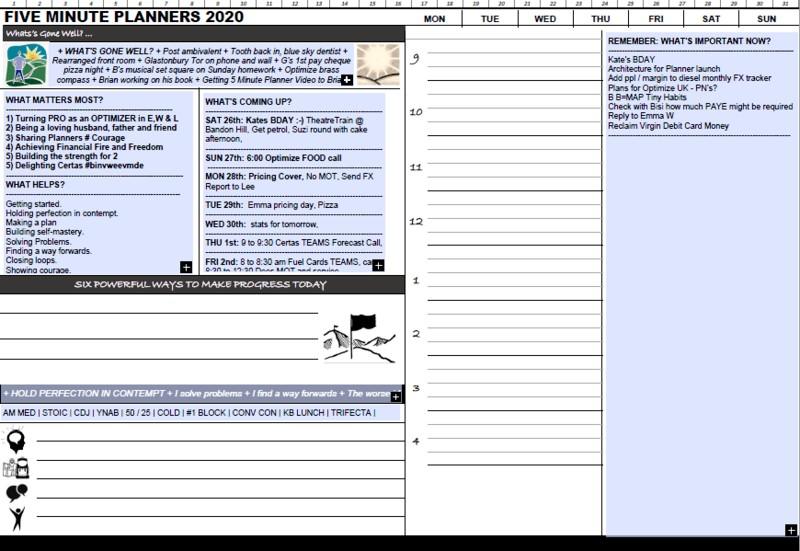
Landscape
Use this text to describe your feature in detail. Visitors enjoy reading well written, descriptive copy about specific features of your product.
#2 Setting up your Planner
A summary of how the Planner will help us create a "Progress Process" and what to think about when first setting up your page.
#4 Completing Deep Work Timeblocks
Timeblocks are a central part of the 5 Minute Planner process. Here's a quick guide to Timeblocking and some tips to doing so effectively with your Planner.
Getting Started
The Planners are yours to customize, so please treat any guidance as suggestions only. Use them however they work best for you. In terms of first steps though:
FILL IN
- Download your planner and open it in a PDF reader. It works best in Adobe.
- Customize the sections with your key long term goals, current week task reminders, recent progress, upcoming events, habits etc.
- Start small and don't worry about making it perfect. This is a daily planner, you'll learn what you want to see each day as you go along.
- Save your updated page wherever you want to keep it.
PRINT AND PLAN
- Print the page. For best results later, I recommend choosing the Fit option button in the Page Sizing and Handling section.
- Personally, I update and print the page at the end of each work day, and have the sheet ready on my desk for planning the next day.
- Whenever you complete it though, review the priorities you have chosen and fill in your main goals for the day, and any other tasks you need to remember by hand.
FOLD AND FOCUS
- Either fold the sheet and display your key tasks and events to keep you on track throughout the day, or consider focusing down onto What's Important NOW? shutting off distractions and completing a deep work timeblock.